
Download PDF Plain text extractor – pdf to text, text extraction, pdf extractor, plain text, pdf tool, text converter, document conversion, pdf utility, pdf reader, pdf converter, pdf text extractor, text to pdf, pdf to plain text
Overview
PDF Plain Text Extractor is a dedicated utility designed to convert PDF documents into plain text format with precision and efficiency. Its primary purpose is to simplify the process of retrieving textual content from PDF files, making it ideal for users who need to repurpose, analyze, or archive information from scanned or digital PDFs. The app addresses the common challenge of extracting usable text from PDFs, especially when working with multilingual documents or files with complex layouts. It is particularly useful for students, researchers, content creators, and professionals who frequently handle document-based workflows.
Developed by PDF Plain Text Extractor, the tool operates as a standalone application without requiring external SDKs or libraries, ensuring a lightweight and reliable experience. Although the developer did not provide additional technical details, the app’s design emphasizes simplicity and direct functionality. It is designed for immediate use, eliminating the need for installation—a feature that enhances accessibility for users across various technical skill levels. The app supports multiple languages, including English, Chinese (Simplified and Traditional), Korean, Japanese, and several European languages, making it a versatile choice for international users.
Within the broader productivity ecosystem, PDF Plain Text Extractor fills a niche by offering a focused, no-frills solution for text extraction. Unlike full-featured PDF editors, it avoids unnecessary complexity, allowing users to extract text quickly and accurately. Its ability to preserve layout integrity while maximizing precision underscores its value in workflows where data accuracy is critical. For those seeking a secure, efficient, and portable tool for document conversion, this app presents a practical option.
Key Features & Functionality
- No Installation Required: The tool functions as a portable application, allowing users to run it directly without installation. This is especially beneficial for users on shared or restricted devices, enabling immediate access to text extraction without administrative rights.
- Multiple Language Support: Designed to handle a wide range of languages, including English, Chinese (Simplified and Traditional), Korean, Japanese, and several European languages, the app ensures accurate text extraction regardless of the document’s linguistic origin.
- Precision Text Extraction: By focusing exclusively on text retrieval, the app analyzes the raw PDF structure to deliver high-accuracy results. It maintains the logical flow and order of the original content, reducing errors common in automated conversion tools.
- Direct PDF Analysis: Unlike many alternatives that depend on third-party libraries, PDF Plain Text Extractor processes PDF files directly. This approach enhances reliability, reduces dependency risks, and contributes to faster processing times.
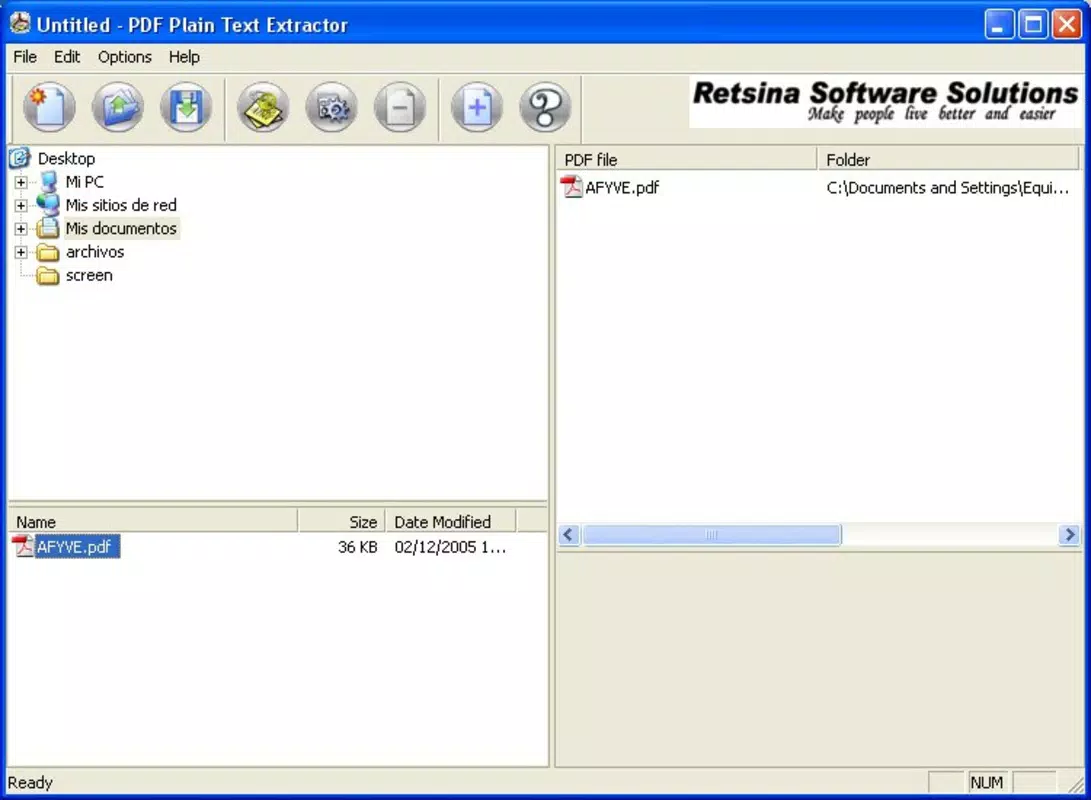
- User-Friendly Interface: The interface is designed for simplicity, with intuitive navigation that allows both beginners and experienced users to extract text with minimal effort. The streamlined layout avoids clutter, focusing solely on core functionality.
For example, a researcher compiling data from multilingual academic papers can use the tool to extract relevant sections into plain text for analysis. A student preparing notes from a scanned textbook can quickly convert pages into editable text without needing to retype content. Similarly, a content manager handling international reports can extract and translate text efficiently. These real-world use cases highlight the app’s practical value in daily workflows.
Interface, UX & Performance
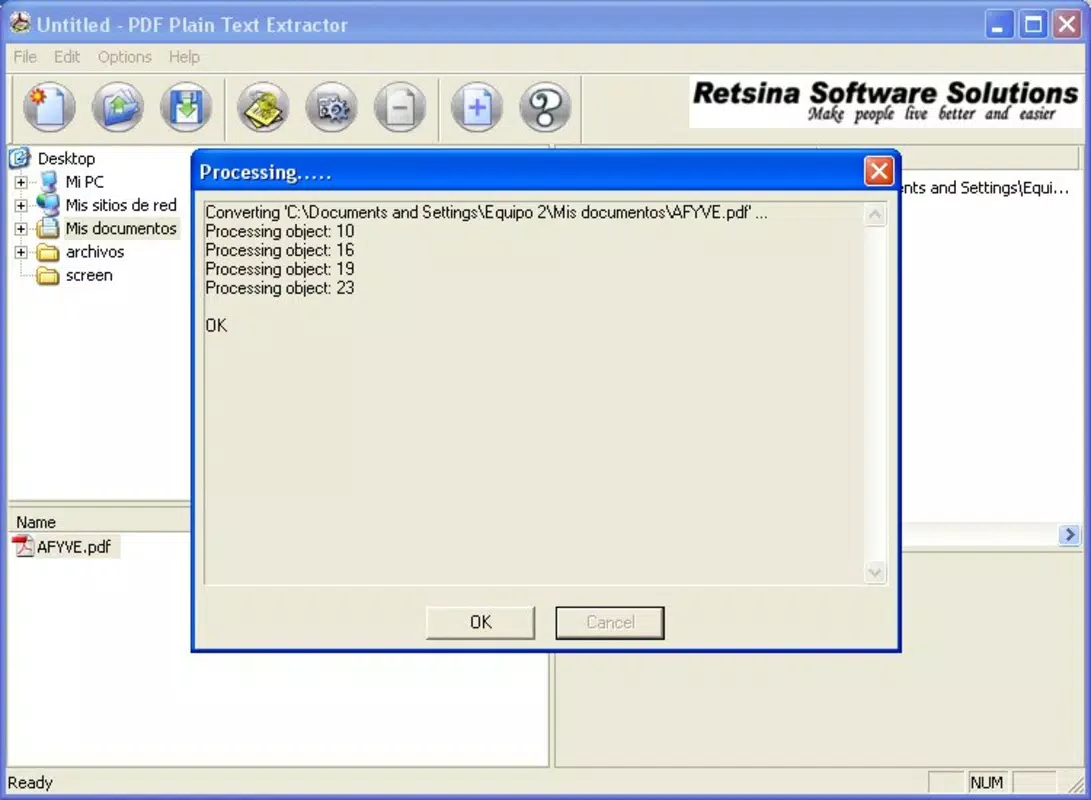
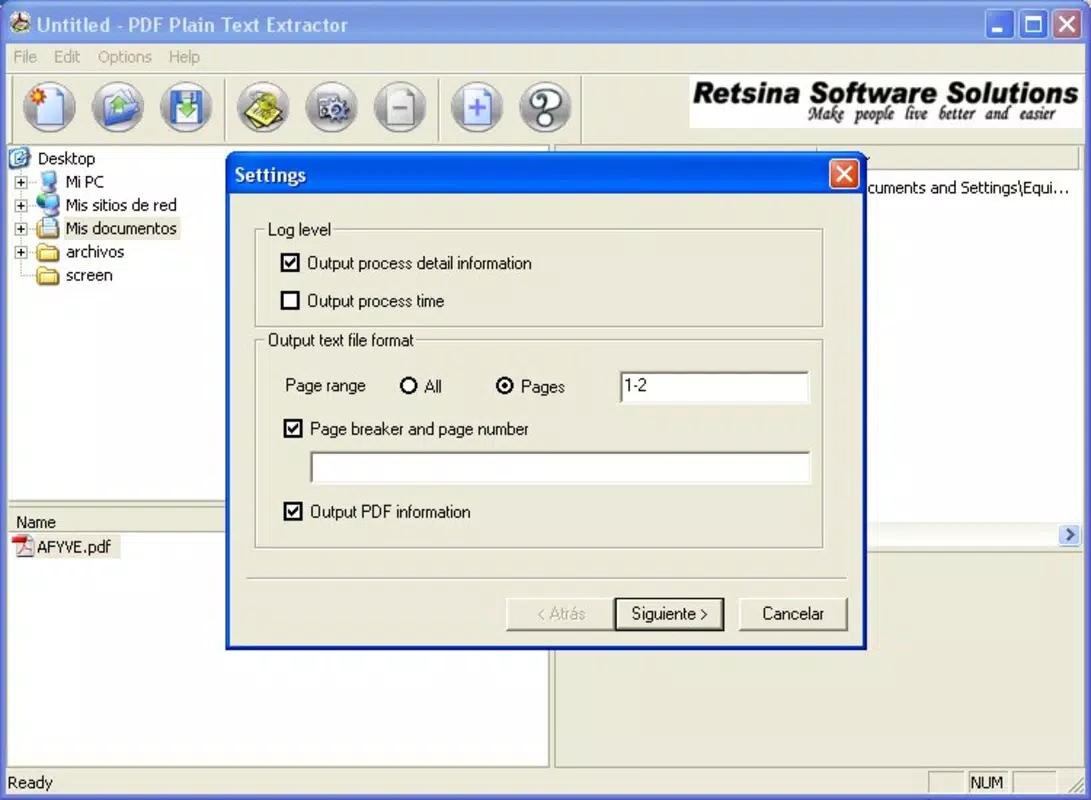
The interface of PDF Plain Text Extractor is minimalistic and focused, aligning with its core purpose of text extraction. Users are presented with a clean layout that emphasizes functionality over visual embellishment. Navigation is straightforward: users can load a PDF file, initiate extraction, and save the output with just a few clicks. The design prioritizes ease of use, minimizing cognitive load and reducing the learning curve for new users.
Although the developer did not list formal performance metrics, the app’s direct PDF analysis method suggests efficient operation, especially on devices with moderate processing power. The lack of installation requirements also contributes to faster startup times and reduced system resource usage. Users can expect responsive behavior during file loading and text processing, particularly with smaller to medium-sized documents.
Stability appears to be a key focus, given the app’s reliance on internal processing rather than external dependencies. This reduces the risk of crashes due to library conflicts. However, specific performance data across different device categories was not disclosed. Compatibility with older or low-end systems may be favorable due to the small file size of 4.8 MB, but this was not explicitly confirmed.
Platform Compatibility & Technical Requirements
PDF Plain Text Extractor is available for the Windows platform. It requires no additional software dependencies, as it operates independently. The current version is 2.0.0, with a file size of 4.8 MB, making it a lightweight tool suitable for systems with limited storage capacity.
The developer did not specify minimum OS requirements or compatibility details beyond the platform. As such, it is unclear whether the app supports older Windows versions or modern systems like Windows 11. Similarly, no information was provided about hardware specifications, memory usage, or processor requirements. Users are advised to test the application on their specific system to confirm compatibility.
Pros and Cons
Pros
- Portable design with no installation required
- Supports multiple languages, including complex scripts
- Direct PDF analysis enhances reliability and speed
- Minimal system resource usage due to small file size
- Simple, intuitive interface suitable for all user levels
Cons
- Platform limited to Windows only
- Developer did not provide OS compatibility details
- No information on advanced features or export formats
- File size and version details were not verified for compatibility
- Performance on low-end devices was not tested or disclosed
FAQ
Is PDF Plain Text Extractor safe to download and use?
Yes, the app is described as a standalone tool with no installation required, which reduces the risk of bundled software or malware. However, users should always download from trusted sources to ensure security.
Can I use this tool on macOS or Linux?
Based on the available information, the app is currently only available for Windows. There is no indication of support for macOS or Linux platforms.
Does the app support batch processing?
The provided details do not mention batch processing capabilities. The app appears to focus on single-file extraction, but this feature was not confirmed.
What file formats can I export the extracted text to?
The app is designed to output plain text, but the developer did not specify whether it supports additional formats like .txt, .docx, or .rtf. Export options remain unclear.
How often is the app updated?
The latest version is 2.0.0, released on April 16, 2007. While this suggests long-term availability, no information was provided about the update frequency or future development plans.
Final Thoughts
PDF Plain Text Extractor delivers a focused, efficient solution for users who need to extract plain text from PDFs without the overhead of complex software. Its portability, multilingual support, and direct processing method make it a reliable choice for quick, accurate conversions. While it lacks modern features like batch processing or cross-platform availability, its simplicity and low resource usage are significant advantages for users prioritizing speed and reliability.
It is particularly well-suited for students, researchers, and professionals handling multilingual documents who require immediate access to editable text. The free pricing model further enhances its value, making it accessible to a wide audience. For those seeking a secure, lightweight, and no-installation tool for document conversion, this app remains a practical option.
Download PDF Plain text extractor now


